
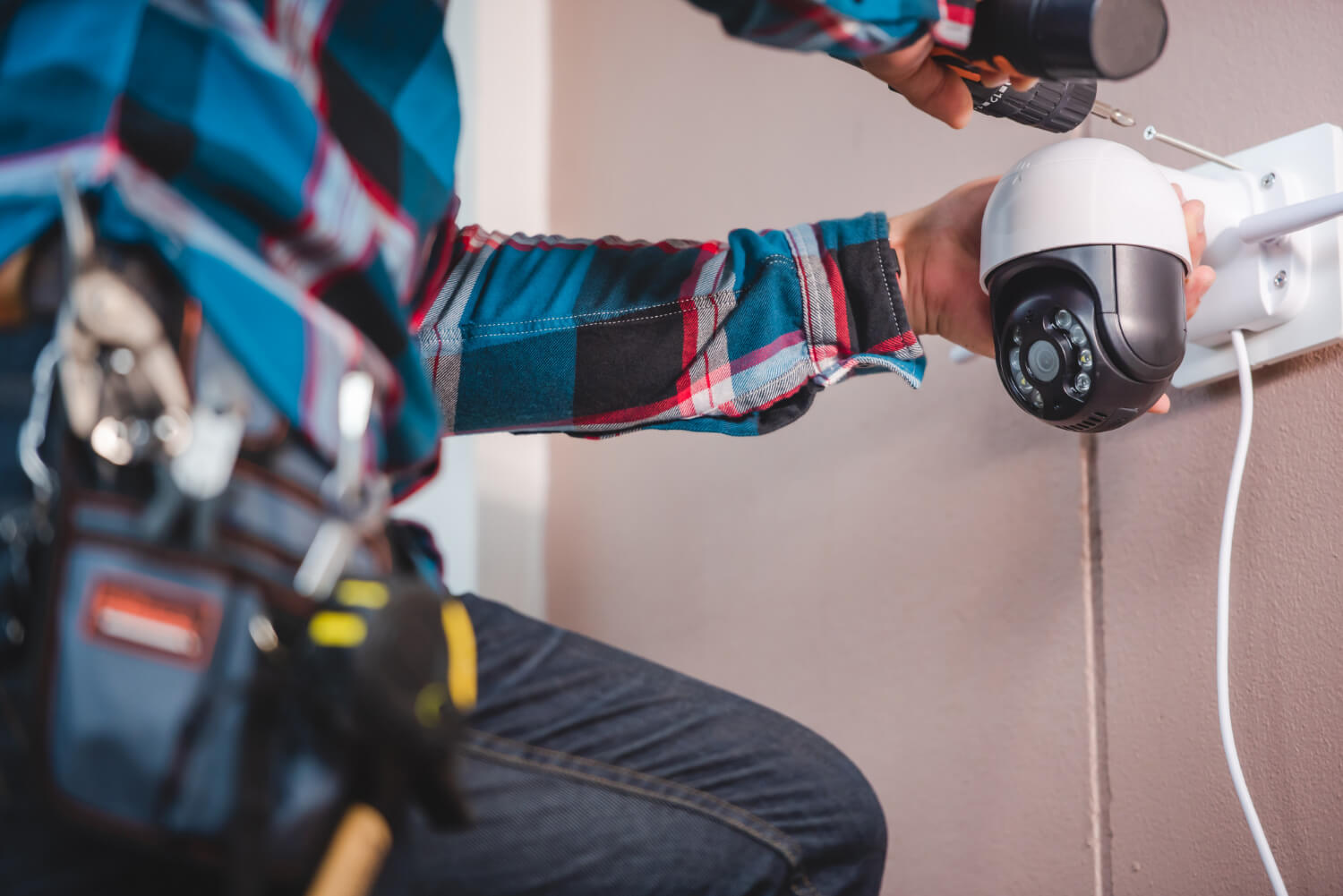
Home surveillance systems are one of the most effective ways to enhance security. Cameras allow you to monitor your property, record activity, and receive real-time alerts on your phone. However, selecting and installing the right system is crucial for ensuring maximum efficiency. In this article, we will cover the best home surveillance installation tips to help you set up a reliable security system.
1. Define Your Surveillance Goals
Before installing a system, determine what you need it for:
- Burglary prevention – monitor front doors, driveways, and entry points.
- Watching kids and pets – indoor cameras for supervision.
- Monitoring service workers – keep an eye on babysitters, cleaners, or contractors.
- Securing a vacation home – remote monitoring of an unoccupied property.
2. Choose the Right Type of Surveillance System
There are two main types of surveillance systems:
- Wired cameras – provide stable connections but require cable installation.
- Wireless cameras – easy to install, use Wi-Fi, but may depend on internet quality.
3. Identify Key Camera Locations
For maximum security, place cameras strategically in key areas:
- Front entrance – to capture faces of visitors.
- Driveway and yard – to track vehicles and suspicious activity.
- Backyard – to cover hidden entry points.
- Garage and sheds – to protect vehicles and tools.
- Hallways and staircases – for indoor movement tracking.
4. Select Cameras with the Right Features
When choosing security cameras, consider the following features:
- Resolution – for clear images, choose Full HD (1080p) or 4K cameras.
- Night vision – infrared sensors ensure clear footage in the dark.
- Wide-angle view – cameras with 100-130° angles cover more area.
- Motion detection – automatically starts recording when movement is detected.
- Cloud storage – allows remote access and prevents data loss.
5. Consider Lighting Conditions
Proper lighting improves video quality:
- Standard cameras work well in well-lit areas.
- For dark areas, use cameras with infrared night vision.
- Avoid placing cameras facing bright light sources to prevent glare.
6. Ensure a Reliable Connection
For wireless cameras, a stable internet connection is essential. Follow these tips:
- Use a high-quality router or Wi-Fi extenders for a strong signal.
- Choose cameras that support dual-band Wi-Fi (2.4GHz & 5GHz) for better performance.
- For wired cameras, protect cables from weather and tampering.
7. Set Up Remote Access
Modern security cameras offer real-time video streaming through mobile apps:
- Pick a camera with mobile app support.
- Enable motion alerts for instant notifications.
- Use cloud storage for access to past recordings anytime.
8. Follow Legal Guidelines
Installing surveillance cameras should comply with privacy laws:
- Do not place cameras in areas requiring privacy (bathrooms, guest bedrooms).
- If recording public spaces, check local regulations for legal compliance.
- Inform guests and household members about surveillance presence.
When to Hire a Professional?
While many security systems are DIY-friendly, professional installation is beneficial for:
- Wired camera installation requiring complex wiring.
- Integrating cameras with smart home systems.
- Setting up cameras with security alarms and motion sensors.
ProFixLA offers professional home surveillance installation services. We help you select, install, and configure security systems for maximum protection.
Contact Us!
- Phone: +1-747-488-0847
- Telegram Chatbot: ProFixLA Bot
- Website: ProFix LA